Your personal information could be leaking right now

A single smartphone contains everything from bank accounts, KakaoTalk conversations, photos, address books, and location data. However, most people entrust all of this to a single smartphone password. Personal information leakage is not just a story for hacking experts. A Wi-Fi connection made carelessly at a cafe, an old password, or an app permission granted without thinking can be the start of a personal information leak.

According to statistics from the Korea Internet & Security Agency (KISA), the number of reported personal information infringements reaches tens of thousands every year. In most cases, people only change their security settings after suffering damage. Protecting personal information does not require complex security knowledge. You can significantly reduce the risk of personal information leakage by changing just a few smartphone settings right now. In this article, we summarize five security settings that anyone can implement immediately, along with the reasons why they are dangerous and how to resolve them.

There are five major security settings you need to change right now

Complex security programs are not necessary. Checking and changing just the following five things in your smartphone and major account settings can make a significant difference in your level of personal information protection. Let's examine why each item is dangerous and how to resolve it.

1. Two-Factor Authentication — The Last Line of Defense Protecting Your Account Even If Your Password Is Hacked

Why It Is Dangerous

Protecting an account solely with a password is more vulnerable than you might think. If you use the same password across multiple sites, a data breach at one location can lead to other accounts being compromised in a chain reaction. In fact, "credential stuffing" attacks, where email and password combinations leaked from large-scale service hacks are used to log in to other sites, are occurring frequently. The moment a single password is leaked, all connected accounts become vulnerable.

How to Resolve

Two-Factor Authentication (2FA) is a security method that requires additional identity verification after entering a password. Even if your password is leaked, logging in is impossible without a second authentication method. Major services such as Google, Naver, Kakao, and Instagram all offer two-factor authentication features. The setup process involves following this order: each service → Security Settings → Enable 2-Step Verification. Authentication apps like Google Authenticator or Naver OTP are safer than text message verification. It is recommended to apply this to your major accounts first, one by one.

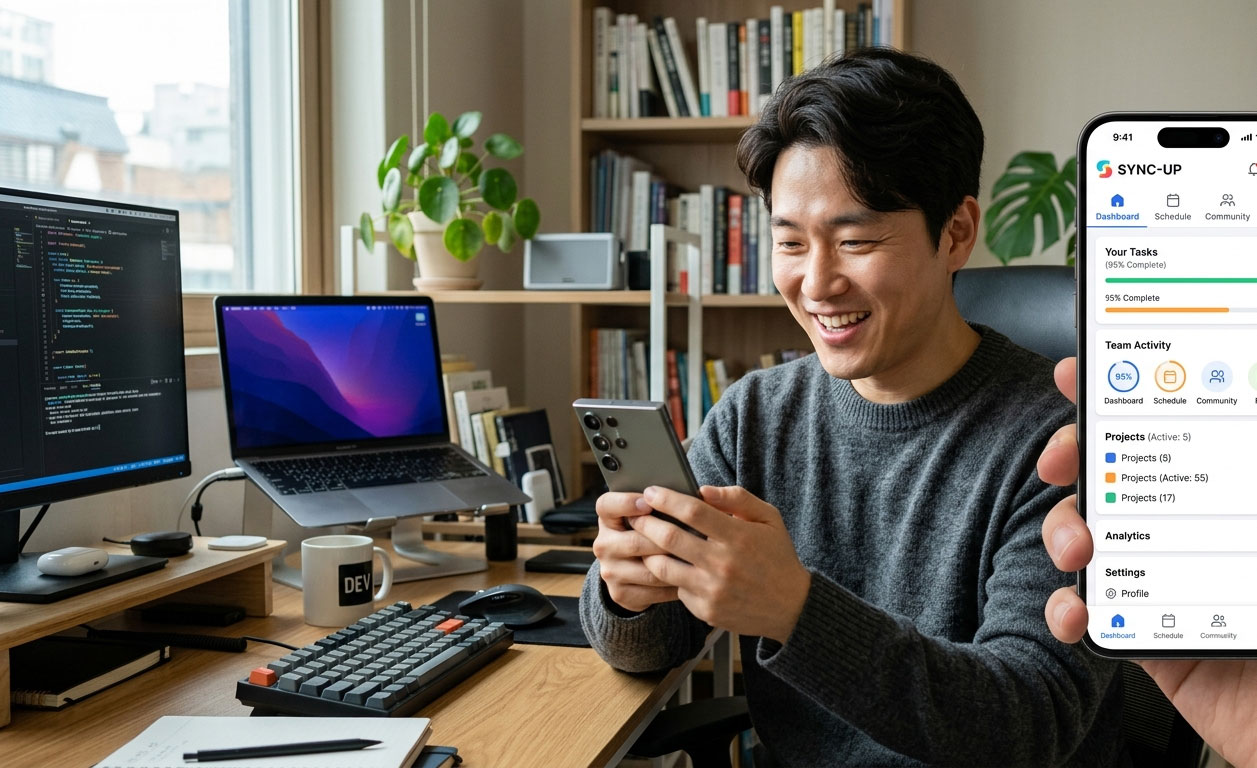
2단계 인증 설정 방법 이미지

2. Change Password — Old passwords may already have been leaked

Why is it dangerous

Billions of email and password combinations are traded on the dark web worldwide. Often, individuals are unaware that a service they signed up for years ago has been hacked and the password they used at the time has been leaked. In particular, easily predictable passwords, such as combinations of birthdays, phone numbers, and names, or passwords used identically across multiple sites, are direct causes of personal information leaks. If you haven't changed your password for a long time, there is a possibility that you are already exposed to risk.

Solution

First, try entering your email address into Have I Been Pwned (haveibeenpwned.com). You can check for free whether your email has been included in past data breaches. As a general rule, passwords should be set to at least 12 characters using a combination of uppercase and lowercase letters, numbers, and special characters, and a different password should be used for each service. If it is difficult to memorize dozens of passwords, you can use password management apps (such as LastPass, 1Password, or Samsung Pass). It is recommended to get into the habit of changing your major account passwords at least once every six months.

3. App Permission Settings — Information Installed Apps Secretly Take

Why Is It Dangerous?

A significant number of apps installed on smartphones request more permissions than necessary. This includes cases where a flashlight app requests access to contacts, or a simple game app requests microphone and camera permissions. If you inadvertently press the allow button, that app gains access to your contacts, location, photos, call history, and more. In the case of malicious apps, this information may be transmitted externally, leading to the leakage of personal information.

Solution

You can check what permissions each app has in Smartphone Settings → Apps → Permission Management. Focus on checking permissions for the camera, microphone, contacts, and location information. It is recommended to immediately disable any permissions that are unnecessary for the app's functions. On iPhones, you can check this in Settings → Privacy & Security, and on Galaxies, in Settings → Apps → App Permissions. When a permission request pop-up appears upon installing a new app, getting into the habit of thinking once more whether the permission is truly necessary before allowing it is fundamental to protecting your personal information. If you want to learn more about optimizing smartphone settings, it is also helpful to refer to How to make your smartphone battery last longer.

앱 권한 설정 확인 방법 이미지

4. Turn off location information — Your daily movements are being recorded

Why it is dangerous

Smartphone GPS location information is not used solely by map apps. Many apps continuously collect location data in the background. As this data accumulates, it records exactly where you go every day, when you are at home, and which places you frequently visit. If this information is sold to a third party or leaked, it can lead to a serious personal information leak in which an individual's lifestyle patterns are exposed.

Solution

It is more realistic to fine-tune location information settings on an app-by-app basis rather than turning off all apps. It is recommended to set apps that require location, such as maps and navigation, to 'Allow only while using the app,' and to change other apps to 'Do not allow.' On iPhones, you can configure this for each app under Settings → Privacy & Security → Location Services, and on Galaxies, under Settings → Location → App Permissions. Simply turning off GPS when not using location services can help you save battery and protect your privacy at the same time.

5. Dangers of Public Wi-Fi — Cafe Wi-Fi Can Steal Your Information

Why Is It Dangerous?

Free Wi-Fi in public places such as cafes, subways, and airports is convenient, but it is one of the primary routes for personal information leakage. Public Wi-Fi is often unencrypted, making it vulnerable to 'Man-in-the-Middle Attacks,' where others connected to the same network can eavesdrop on your communications. There are even tactics that create fake Wi-Fi networks mimicking names like 'KT_WiFi' or 'SKT_Free' to induce you to connect. Accessing banking apps or email on public Wi-Fi carries the risk of exposing your login information.

**Solution**

As a general rule, you should avoid sensitive tasks such as internet banking, card payments, and email logins when using public Wi-Fi. If you must use them, using a VPN (Virtual Private Network) encrypts your communications and protects them securely. It is safer to use a reliable paid VPN service rather than a free one. It is also important to turn off your smartphone's Wi-Fi auto-connection feature and to get into the habit of deleting unnecessary public Wi-Fi networks after connecting. If data charges are a burden, using a hotspot is a much safer choice than public Wi-Fi.

공용 와이파이 위험성과 해결 방법 이미지

Additional Practical Tips for Personal Information Protection

In addition to the five key settings, there are personal information protection habits that can be applied immediately in daily life.

Do not click links from unknown sources

Links received via text message or email such as "package tracking," "account anomaly detection," or "event win" are highly likely to be phishing sites designed to steal personal information. It is necessary to develop the habit of always checking the sender and URL address before clicking a link.

Check SNS privacy settings

Check the privacy settings of posts on social media platforms such as Instagram and Facebook. It is advisable to remove information such as date of birth, phone number, and address from your public profile. Caution is also required when sharing real-time location while traveling or uploading photos that reveal your home address.

Keep your smartphone operating system and apps up to date

Operating system updates include patches for security vulnerabilities. If you delay updates, known security vulnerabilities remain, leaving you vulnerable to attacks. Turning on automatic update settings or regularly checking for updates is fundamental to protecting your personal information. If you want to find more security-related information using AI tools, referring to Truly Free! A Comprehensive Guide to AI Tools You Can Use Right Now will be helpful.

Conclusion — Protecting personal information is not a grandiose task

There are five major security settings you need to change right now: activating two-factor authentication, changing passwords, checking app permissions, managing location data, and being cautious with public Wi-Fi. All five of these are things you can start within 10 minutes.

While personal information leaks may feel like something unrelated to you, in reality, they can happen to anyone at any time. The important thing is not to regret it after suffering damage, but to put at least one thing into practice right now. Open your smartphone right now and start by setting up two-factor authentication.

※ The security-related information in this article is for general reference only. If a security incident occurs, please contact the customer center of the relevant service or the Korea Internet & Security Agency (KISA) Personal Information Infringement Report Center (privacy.kisa.or.kr).