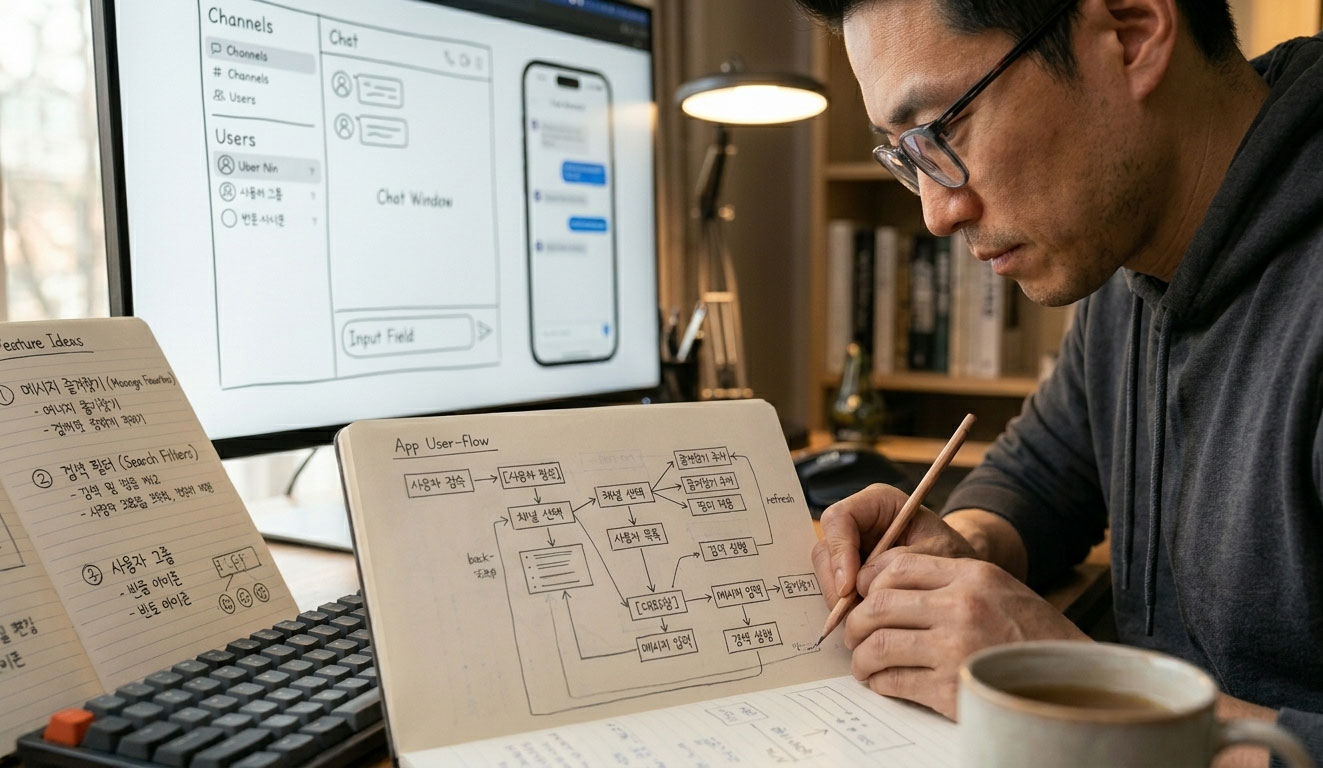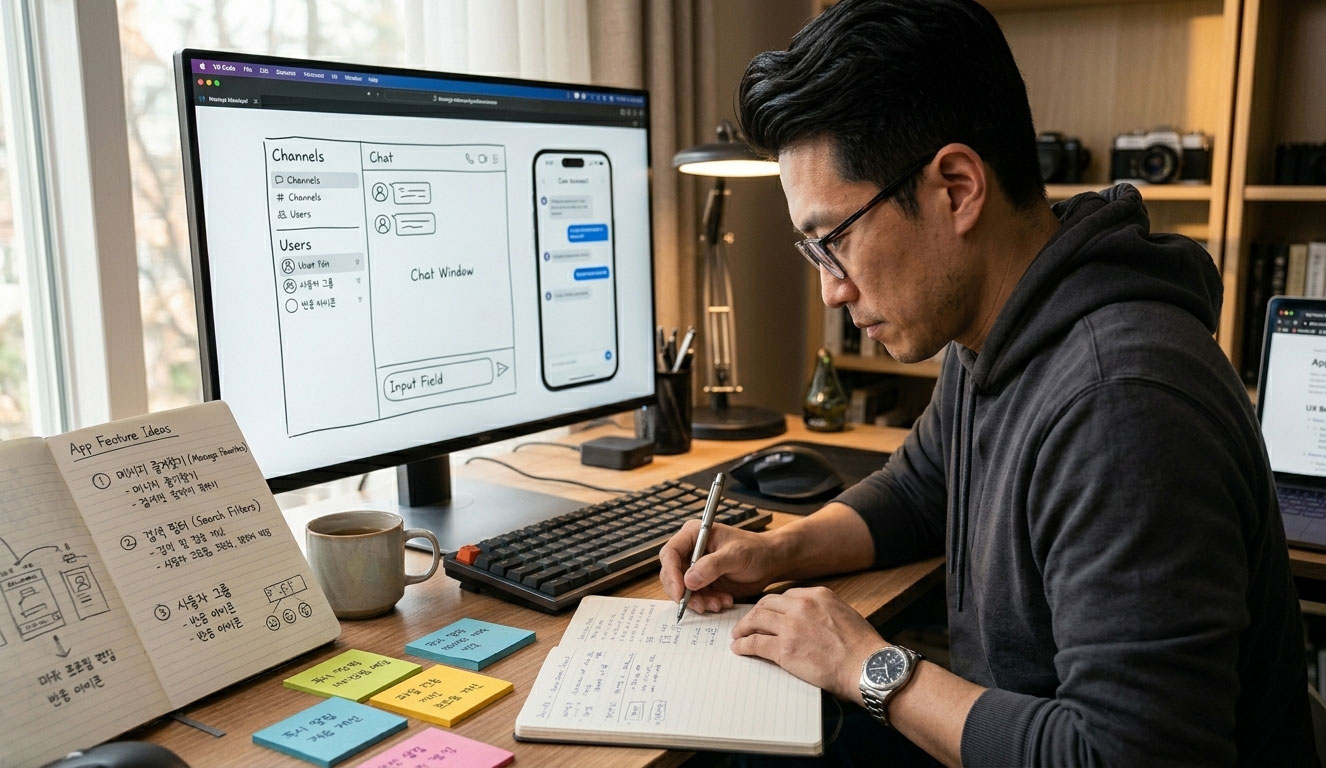
I took out a piece of paper before I started making it
When I decided to make an app, the first thing I did was not turn on my computer. I took out a notebook and started writing down what this app needed to do. The most dangerous mistake for someone who doesn't know coding when creating an app with AI is jumping straight into development without planning. If you aren't clear on what to build, you might not even know what to ask Claude. Planning is half the design.
k-ColdEater was not just a simple recipe search app. It had to recognize the ingredients in the refrigerator, have the AI recommend a dish, calculate the calories for that dish, and allow users to purchase missing ingredients immediately. This flow can be summarized in one sentence: Open the refrigerator → Take a photo → Get a dish recommendation → Make it right away. The list of features emerged from this simple flow.

There are six main features to include in k-ColdEater
I decided not to be greedy about the features to include in the app from the start. If you try to build a perfect app from the start, nothing will be completed. It is more realistic to build the core features first and add the rest via updates. After much deliberation, the core features of K-Refrigerator Cleanup were summarized into six main categories.
First — Ingredient Input (Camera + Manual)
There are two ways to input ingredients from the refrigerator. One is for AI to automatically recognize ingredients when you take a picture with the camera, and the other is to input them directly as text. While camera recognition is convenient, its accuracy is not 100%, so it was essential to use manual input in parallel. The app's completeness improves when users can choose their preferred method.
Second — AI Recipe Recommendation
Based on the entered ingredients, the AI recommends dishes that can be made. Rather than simply searching for and displaying recipes, it is a method that generates dishes that can actually be made by combining the available ingredients. We selected the Gemini API to implement this core feature. We introduced what the k-Fridge Clearance app is in detail in Part 1.
Third — Automatic Calorie Calculation
AI automatically calculates and displays the calories of recommended dishes. This is a useful feature for users interested in dieting or health management. It was implemented by using the Gemini API to estimate and calculate the calorie count, rather than building a separate nutritional database.
Fourth — Recipe Saving
This is a feature that allows you to save your favorite recipes within the app. You can save frequently made dishes and retrieve them immediately without having to enter ingredients every time to receive recommendations. This was an essential feature because without it, you would have to start over from the beginning every time you turned the app off and on.
Fifth — Coupang Partners Integration
If you are missing any ingredients needed for a recipe at home, it provides a link to purchase them directly from Coupang. From the user's perspective, it is a convenient feature, and from the developer's perspective, it serves as a means of monetization through Coupang Partners. It is a feature that captures both app usability and monetization simultaneously.
Sixth — Expiration Date Management
This feature sends notifications before expiration if you register the expiration dates of ingredients stored in the refrigerator. Since reducing food waste was the starting point of K-Refrigerator, this feature is directly linked to the app's philosophy. In the initial version, only basic registration and lookup functions were implemented, and notifications were added via updates.
Which Technology Stack Should We Use?
After the list of features was finalized, the next dilemma was which technology to use. As someone who doesn't know coding, it is difficult to choose the technology stack on my own. So, I asked Claude directly: "Someone who doesn't know coding wants to build an AI-based recipe recommendation app. What is the realistic approach to building it?" The answer derived from this question became the starting point of the technology stack.
Reasons for choosing React + Vite
Among several options, I chose the combination of React and Vite. The decisive factor was that, being web-based, it can be converted into an Android app later, and the code can also be edited in the GitHub web editor. Being able to start without installing a development environment or complex settings was also an advantage. I referenced this article for free tools that can be used for AI development.
Reasons for choosing Gemini API
For the language model, which is the core of AI recipe recommendations, I selected Google's Gemini API. Although the method of users directly inputting APIs is advantageous in terms of cost, it causes inconvenience for users. Therefore, I switched to a model where users can use it completely free of charge while the developer bears the costs. The reasons were that it supports both image recognition and text generation, and its performance for Korean is stable. It was more cost-effective compared to the ChatGPT API, and since it is an app uploaded to the Google Play Store, we determined that integrating within the Google ecosystem was the natural choice.
The Direction from Web App to TWA
We did not intend to build a native app from the start. The plan was to complete the web app first, then package it as an Android app using the TWA (Trusted Web Activity) method and upload it to Google Play. This method has the advantages of faster development speed and easier maintenance. Later, this plan changed due to unexpected issues, which will be discussed later.

Screen Design — What the User Will See
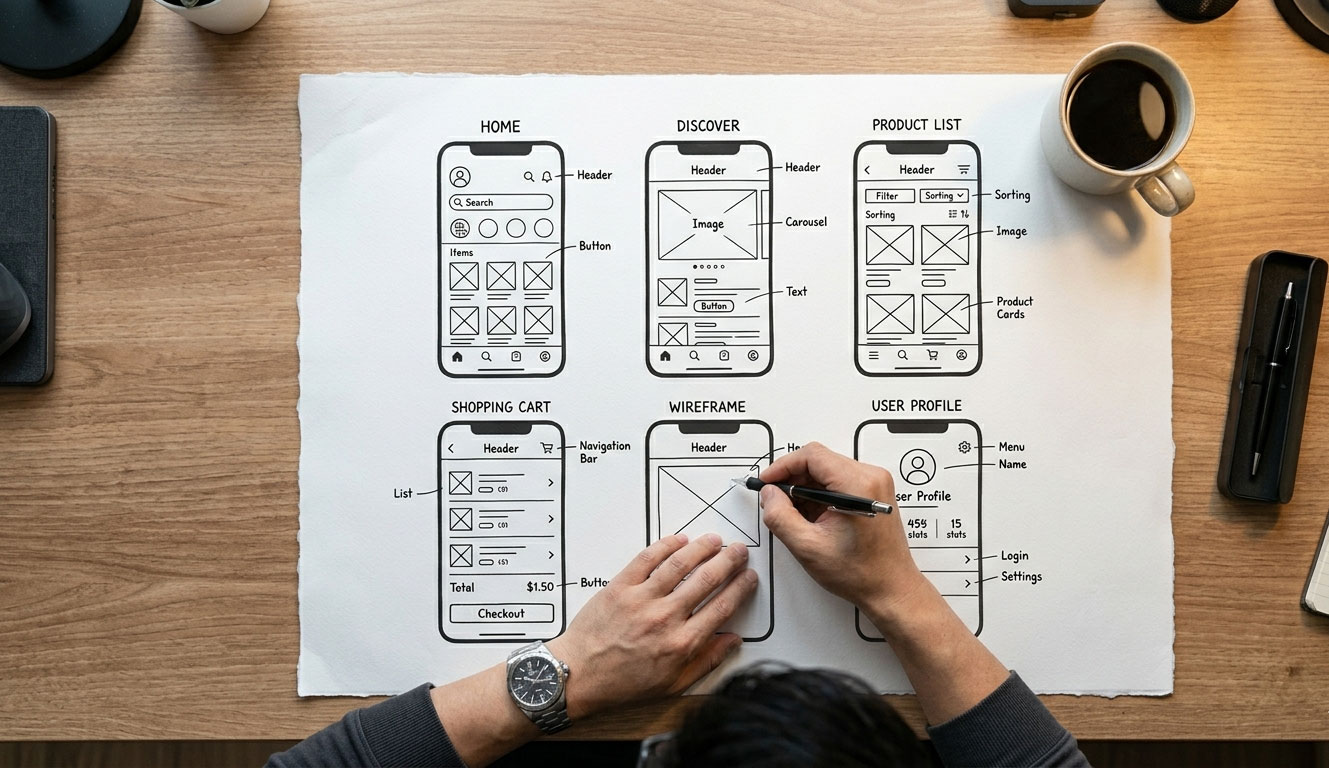
Once the technology stack is determined, the next step is screen composition. We need to organize what the user will see in what order when they open the app so that we can request Claude to create each screen. The screens of k-Cold Food Scramble are organized into six main sections.
Home Screen
This is the first screen you see when you launch the app. Buttons for taking photos of ingredients with the camera, manually entering ingredients, and going directly to saved recipes are arranged here. Users should be able to see at a glance what they need to do next.
Ingredient Input Screen
This is a screen where AI analyzes photos taken with the camera to automatically populate the ingredient list, or where you manually enter ingredient names. You should be able to modify, add, or delete recognized ingredients.
Recipe Recommendation Screen
A list of dishes recommended by AI based on the entered ingredients is displayed. Tapping each dish shows the recipe details and calorie count.
Saved Recipes Screen
This is a screen that shows a list of previously saved recipes. You can sort by date or by category.
Grocery Shopping List
After receiving recipe recommendations, you often find that you don't have all the necessary ingredients at home. If you don't make a separate note of those ingredients, it is easy to forget what to buy when you go to the supermarket. The grocery shopping list feature allows you to add missing ingredients from a recipe to a list with a single tap, creates a button to purchase them directly on Coupang without going to the supermarket, and allows you to check off items once purchased. It is also possible to manually add or delete ingredients. Connecting everything from refrigerator ingredient management to recipe recommendations and grocery shopping into a single flow is the direction K-Refrigerator Clears aims for.
Expiration Date Management Screen
This is the screen where you register and check the expiration dates of ingredients stored in the refrigerator. Ingredients nearing expiration are displayed at the top.

The first question I asked Claude
After the planning and design were finalized, the first question I asked Claude was this: "I plan to build a refrigerator ingredient recognition recipe recommendation app using React and Vite. How should I structure the project initially?" Because I clearly presented the technology stack and purpose rather than vaguely saying "make me an app," Claude was able to provide a concrete answer.
The answer I received from this first question became the foundation for the folder structure and initial file organization of k-Refrigerator Cleanup. If I hadn't planned ahead, I wouldn't have been able to ask this question at all. The process of preparing for app development with AI was covered in detail in Part 2.
The most important thing in the planning stage is not a perfect plan document. It is about organizing what you want to create enough to explain it in a single sentence. You need that one sentence to start a proper conversation with the AI. The one sentence for k-Naeng-teol was this: An app where the AI recommends dishes when you take a picture of your refrigerator ingredients.
After completing the planning and design,
Six feature lists, a technology stack decided, and six screen layouts. This was the starting point of k-Naeng-teol's development. Not a single line of code was written at this stage. However, because of this preparation, we were able to avoid losing our direction during the subsequent development process.
In the next installment, we will cover the process of actually building the first version of the web app with Claude. We plan to honestly capture the experience of how, the moment the first screen appeared in the browser, the reality of someone who doesn't know coding building an app with AI became a reality.